

API & automation
Make MailRig part of your stack.
Connect your CRM, lead sources, AI workflows, internal tools, and reporting directly to MailRig. Move leads, launch campaigns, personalize messages, receive events, and automate your outbound.


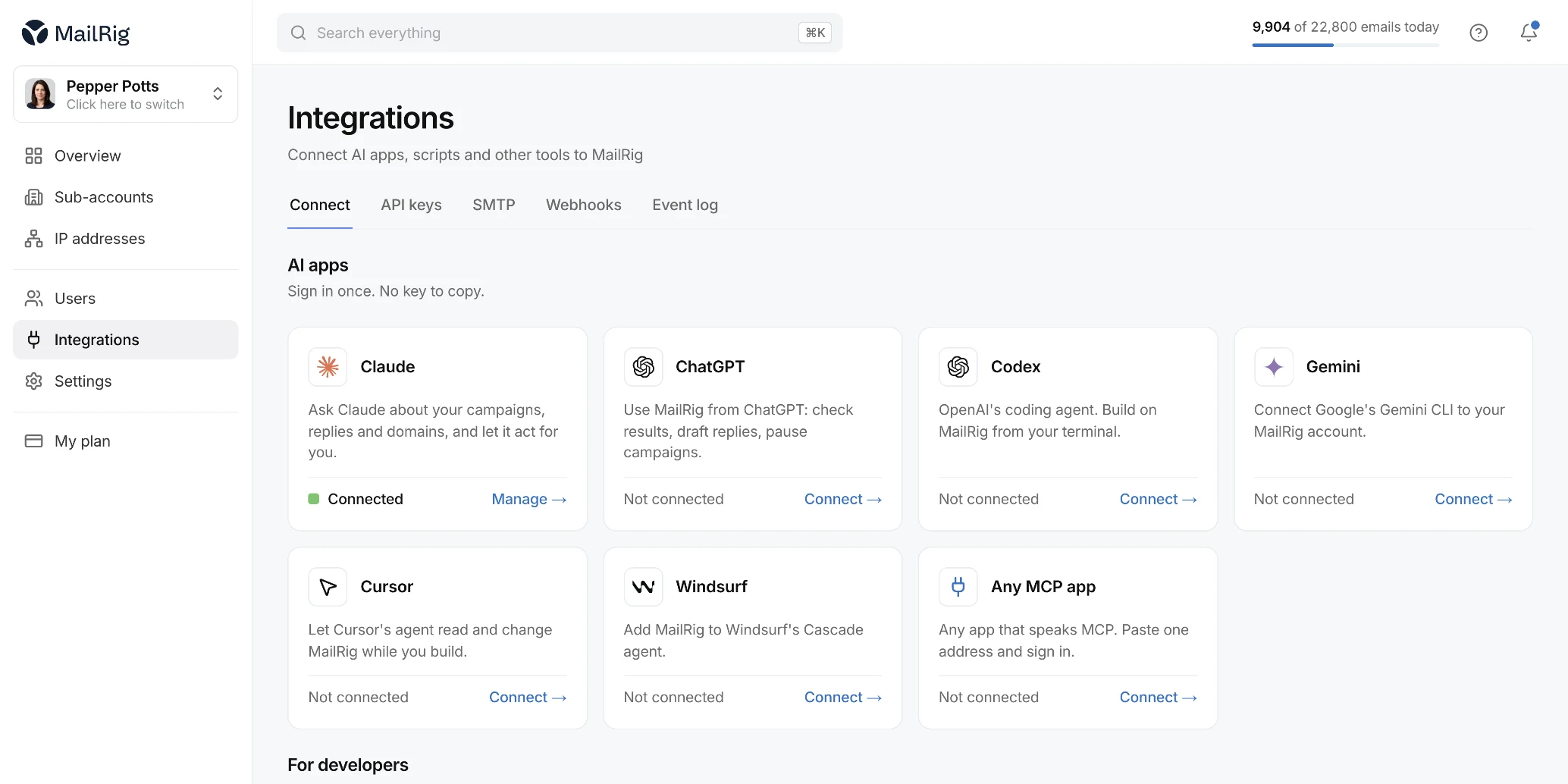
Use the AI you want. Send through MailRig.
Use Claude, ChatGPT, an enrichment tool, or your own models to personalize a lead before it enters a campaign. MailRig handles the sequence and the sending.
- 01Lead data
- 02AI or automation
- 03Personalized variables
- 04MailRig campaign
- 05Send
Saw Acme just expanded its enterprise sales team…
Scaling outbound without adding more SDR admin
Worth comparing notes?
Need us to build it? Custom AI and automation work is available on custom pricing.
Control the outbound operation programmatically.
Your systems work with the same contacts, campaigns, sequences, replies, and data your team uses inside MailRig.
Create, update, search, tag, and organize leads programmatically.
Create campaigns, add contacts, change campaign state, and pause sending.
Work with sequence steps, follow-ups, and test sends.
Read replies, update reply state, and trigger follow-up workflows.
Read and manage the sending identities connected to your operation.
Pull activity into your own reporting, applications, or internal systems.
Campaigns created through the API still run through the same pacing, suppression and deliverability controls as the dashboard.
Your leads can move without you moving them.
When something happens elsewhere in your stack, MailRig takes the next step on its own.
Enrich a lead, create the contact in MailRig, add it to the right campaign.
A prospect replies, the lead updates, sales gets a task.
A qualified lead arrives and the right sequence starts.
Campaign activity changes and the data reaches your dashboard.
Works with Clay, n8n, Make, Zapier, or anything that can send an HTTP request and receive a webhook. No app to write.
- Lead is qualifiedIn your enrichment or automation tool
- Contact createdMailRig
- Added to a campaignMailRig
- Sequence sendsMailRig
- Prospect repliesMailRig
- Webhook firesMailRig
- CRM updatesYour system
- Sales is notifiedYour system
Your systems know the moment something happens.
Subscribe to MailRig events and let the rest of your stack react in real time.
Built for developers too.
curl https://api.mailrig.io/v1/contacts \
  -H "Authorization: Bearer $MAILRIG_API_KEY" \
  -H "Content-Type: application/json" \
  -d '{
    "email": "sarah@acme.com",
    "company": "Acme",
    "custom_variables": {
      "opening_line": "Saw Acme just expanded its enterprise team..."
    }
}'Standard HTTP requests with JSON.
Secure API-key based access.
Pass enriched or AI-generated data into campaigns.
Receive outbound events as they happen.
Run campaigns through the dashboard.
Use your CRM, enrichment, automation tools, or AI alongside MailRig.
Make MailRig part of your own product or internal systems.
You never need the API to run MailRig.
Frequently
asked questions:
Yes. API access is part of the product rather than a separate enterprise-only add-on.
No. Everything required to run normal campaigns is available through the MailRig application. The API is there for teams that want more automation or custom workflows.
Yes. MailRig works with any platform that can send an HTTP request and receive a webhook, which covers the common automation tools as well as anything you build yourself.
Yes, through your own workflow. You generate the personalized fields with whichever AI tools or models you already use, then pass them to MailRig as custom variables on the contact. MailRig does not run those models itself; it sends the campaign that uses their output.
No.
API requests go through the same account, campaign, suppression, capacity and sending rules as actions made through the dashboard. There is no separate raw sending route that bypasses MailRig’s controls.

Still have questions?
Have a question about MailRig, your setup, or switching over? We’re happy to talk it through with you.