

Campaign sequencer
Run your outbound from one place.
Build sequences, send the follow-ups, keep your leads, answer replies and see what is working. All of it happens in the same place that sends the mail.


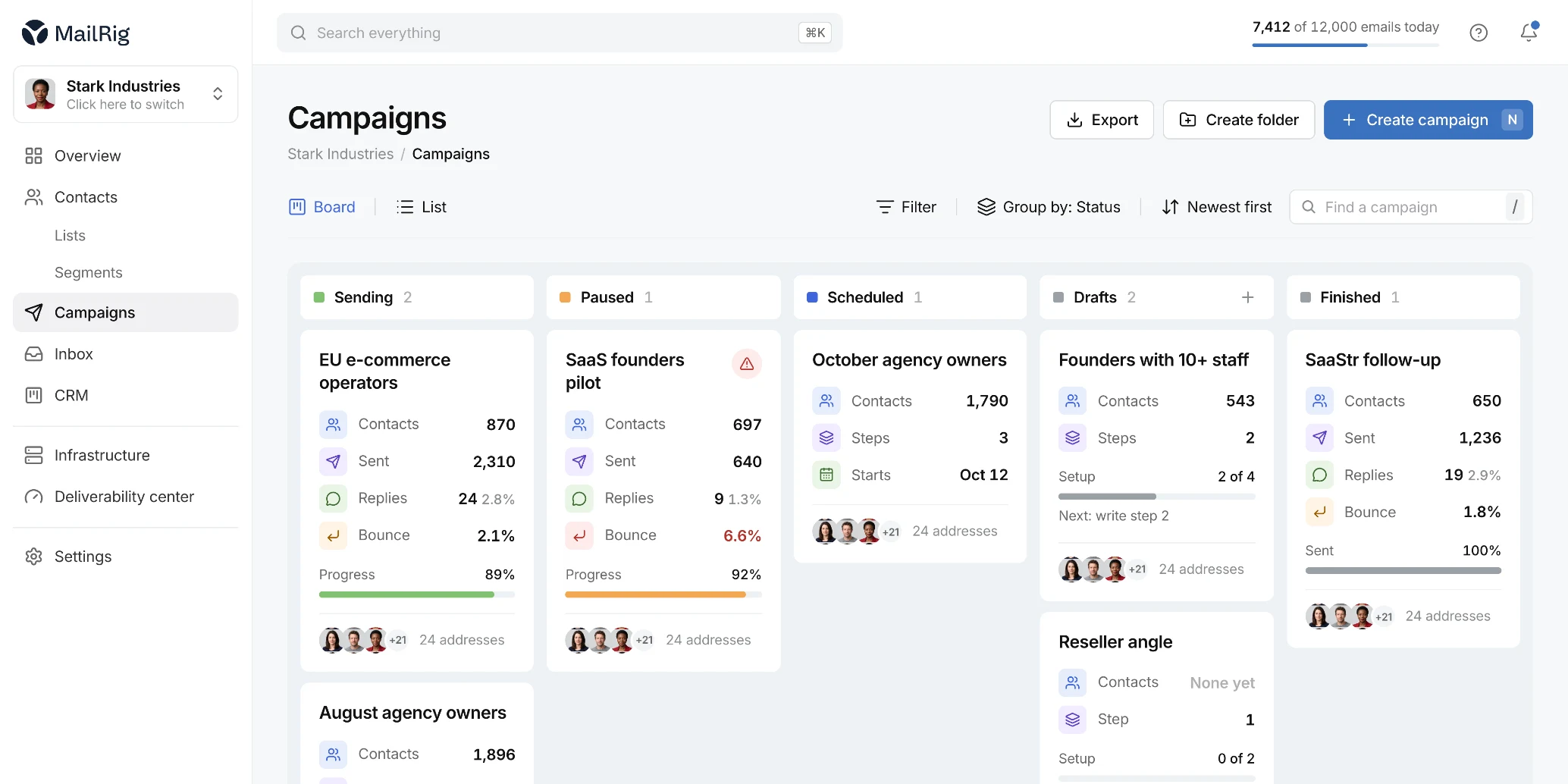
From a list to a live campaign in four steps.
No stitching tools together. Everything below happens in MailRig.
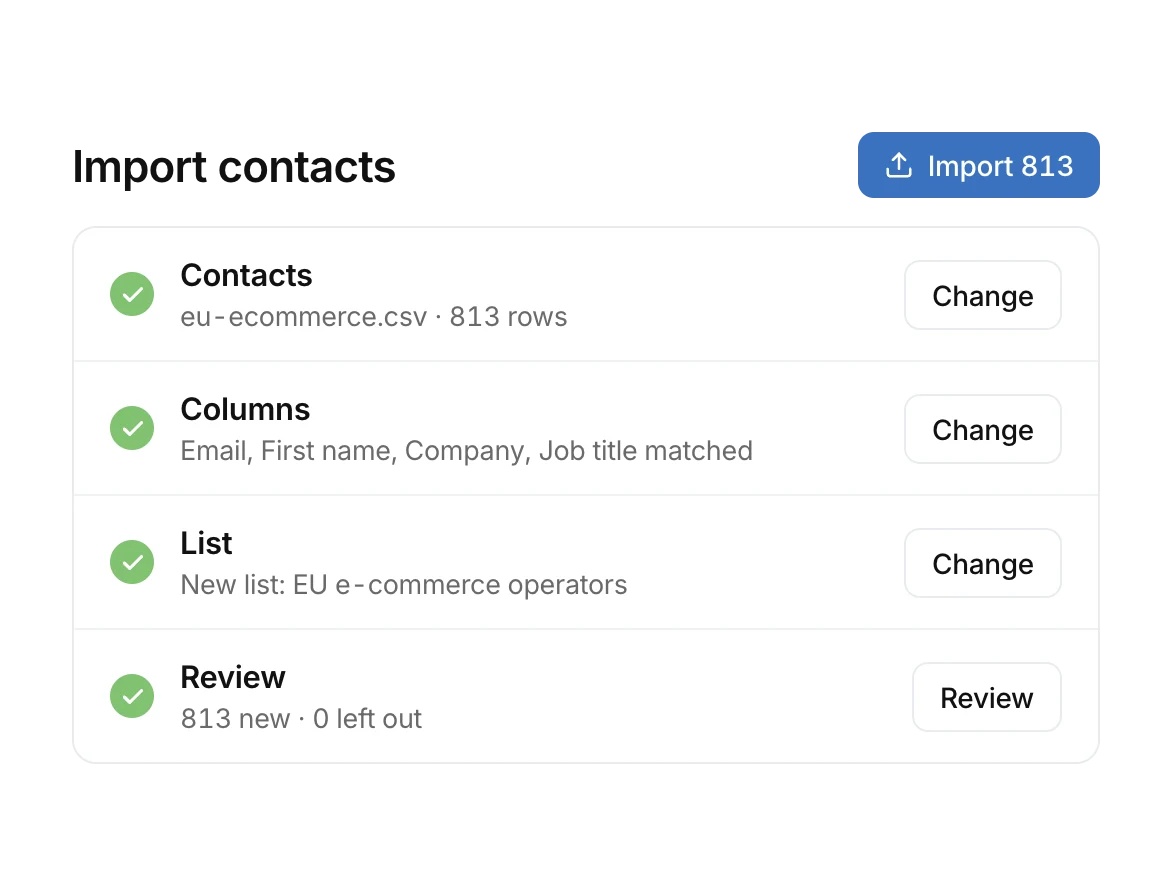
Everything the campaign needs.
The sequence, the leads it goes to, and the replies it brings back all live together.
The first email and every follow-up, with delays, conditions and message variants in one place. You write it once instead of chasing each person by hand.
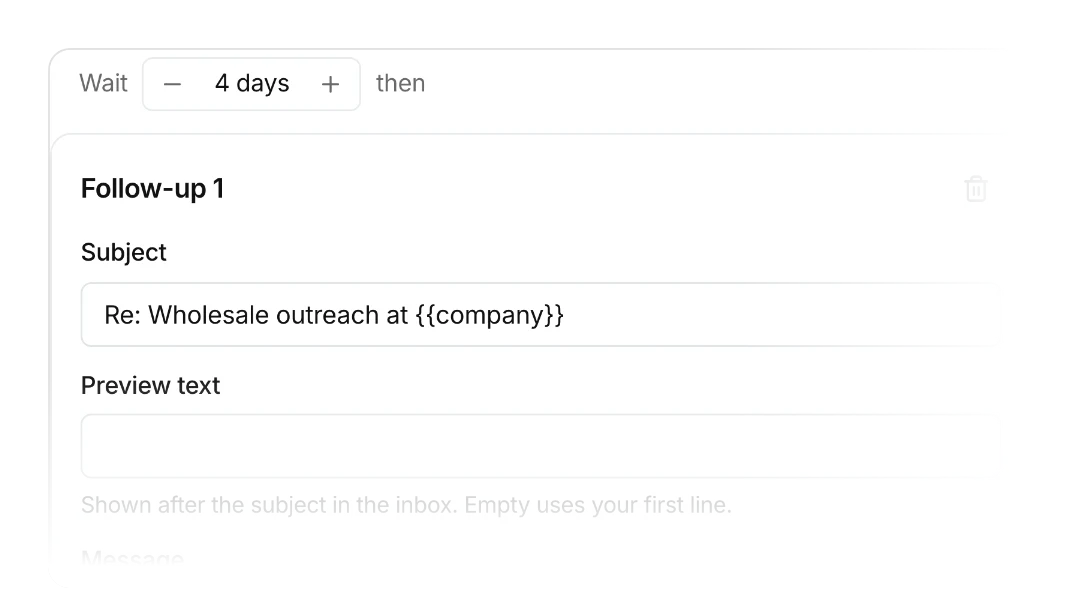
When someone answers, their pending steps end. Nobody gets a “just following up” after they already replied.
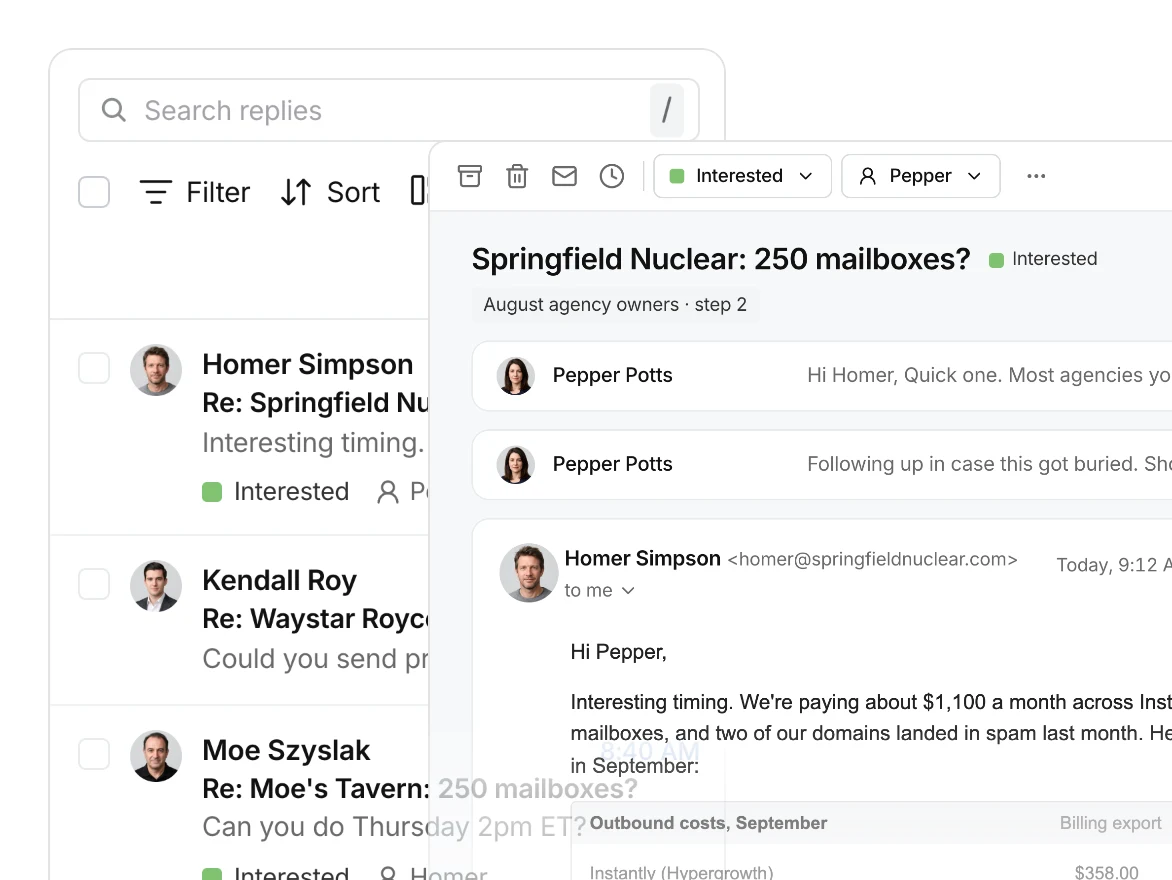
Every campaign and sending identity answers into the same place, so you are not opening inboxes to find out who replied.
Contacts and campaigns are not metered. Your database does not decide what you pay.
Contacts, their campaign history, messages and replies stay together in one record.
Sends, replies and campaign activity, reported where the sending happens.
Know what is actually getting replies.
Reporting on your campaigns from the system that sent them. Sends, replies, and where the results are coming from.
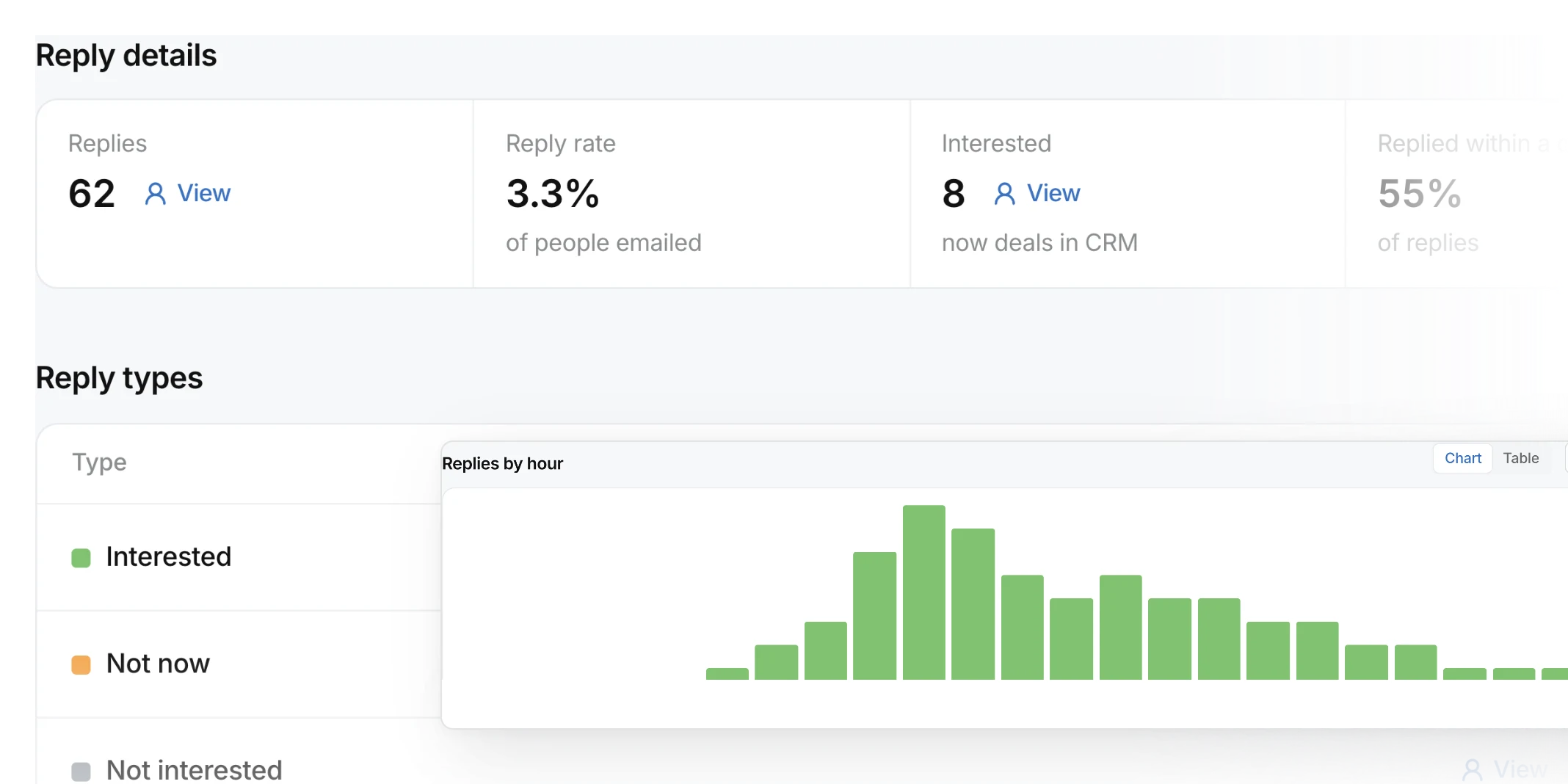
See sends, replies, and activity.
Understand which steps are doing the work.
Know where conversations are coming from.
See the activity tied back to the lead.
Every reply, one inbox.
Replies from every campaign and sending identity land in one place, with the lead and their history attached.
Their remaining follow-ups end the moment they answer.
It lands in the shared inbox, whichever campaign or identity it came from.
Campaign, messages and replies stay attached to the contact.
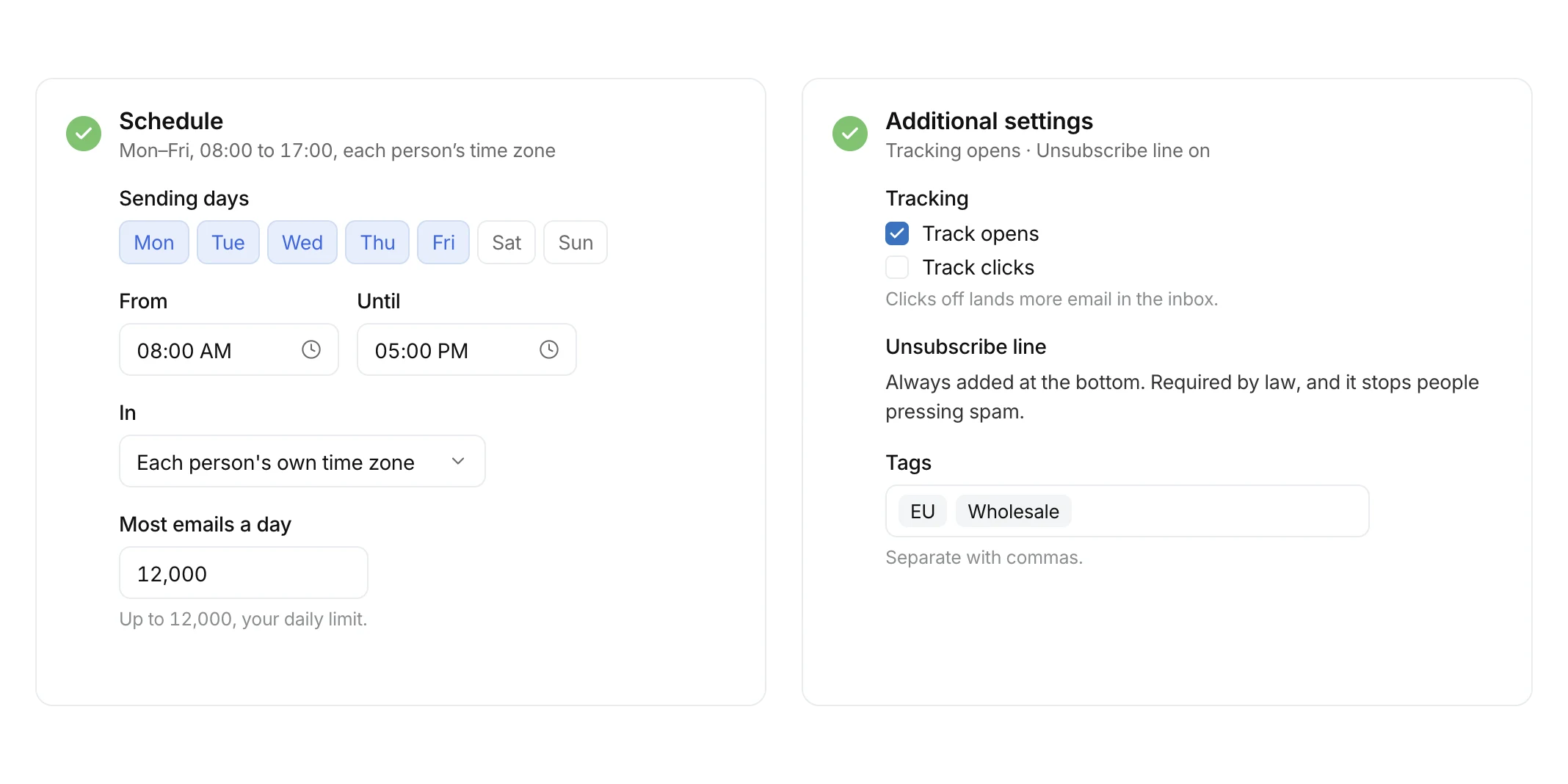
You set the rules. MailRig does the sending.
Decide how a campaign should behave once, and it behaves that way for every contact in it.
Frequently
asked questions:
No. MailRig includes the software needed to build and run outbound campaigns, so you do not have to pay for another sequencer simply to use the sending infrastructure.
Yes. A human reply stops the contact’s pending follow-ups so the sequencer does not continue emailing someone who has already responded.
Yes. Campaigns support sending windows and pacing controls rather than simply dumping the entire daily volume into the queue at once.
The sending engine includes company-level capacity controls so campaigns can avoid concentrating too much traffic on the same organization at once.
The current pricing model does not meter contacts. Users, contacts and campaigns are unlimited; sending volume is the primary usage meter.

Still have questions?
Have a question about MailRig, your setup, or switching over? We’re happy to talk it through with you.